nohup command if added in front of any command will continue running the command or process even if you shut down your terminal or close your session to machine
nohup command-name &
Where,
* command-name : is name of shell script or command name. You can pass argument to command or a shell script.
* & : nohup does not automatically put the command it runs in the background; you must do that explicitly, by ending the command line with an & symbol.
examples:
# nohup mysql -q -uUSER1 -pPASS1 < dump.sql > dump.log 2> error.log &
source:
http://www.idevelopment.info/data/Unix/General_UNIX/GENERAL_RunningUNIXCommandsImmunetoHangups_nohup.shtml
http://www.cyberciti.biz/tips/nohup-execute-commands-after-you-exit-from-a-shell-prompt.html


Subscribe to:
Post Comments (Atom)
Basics of Kubernetes
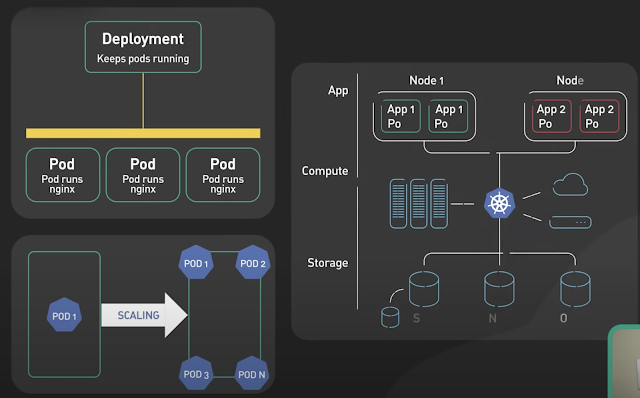
Kubernetes, often abbreviated as K8s , is an open-source platform designed to automate the deployment, scaling, and management of container...
-
The Unix top command is designed to help users determine which processes are running and which applications are using more memory or process...
-
Rotating MySQL Log Files on Linux. A. Check logrotate must on daily cron #less /etc/cron.daily/logrotate B. Check on logrotate.d there must ...
-
Security Issues with MySQL ROOT Access MySQL offers simple but very effective security mechanisms. Unfortunately, the default installation o...

2 comments:
Thanks I import my all dabases of http://www.decasasyautos.com with this method. I like the idea of log the dump output and error output in two differentes files.
Mark
http://www.decasasyautos.com
i can definitely say, when i run a shell script with & but no nohup, when i closed the SSH terminal, and then connect again, the script is running normal.
my os is debian.
Post a Comment